Visit Us On:






Posting the same update across multiple social networks is a pain. Switching tabs, reformatting text, counting characters, wondering if you used too many hashtags for LinkedIn but not enough for Instagram. It's tedious.
The Social Media Launchpad cuts through that. Compose once, copy what you need, paste wherever. Everything runs locally in your browser - no accounts, no servers storing your drafts, no tracking pixels watching what you type. The only thing that touches a server is the optional OG data fetch (when you want to pull a link preview), which is rate-limited to 10 per minute to prevent abuse.
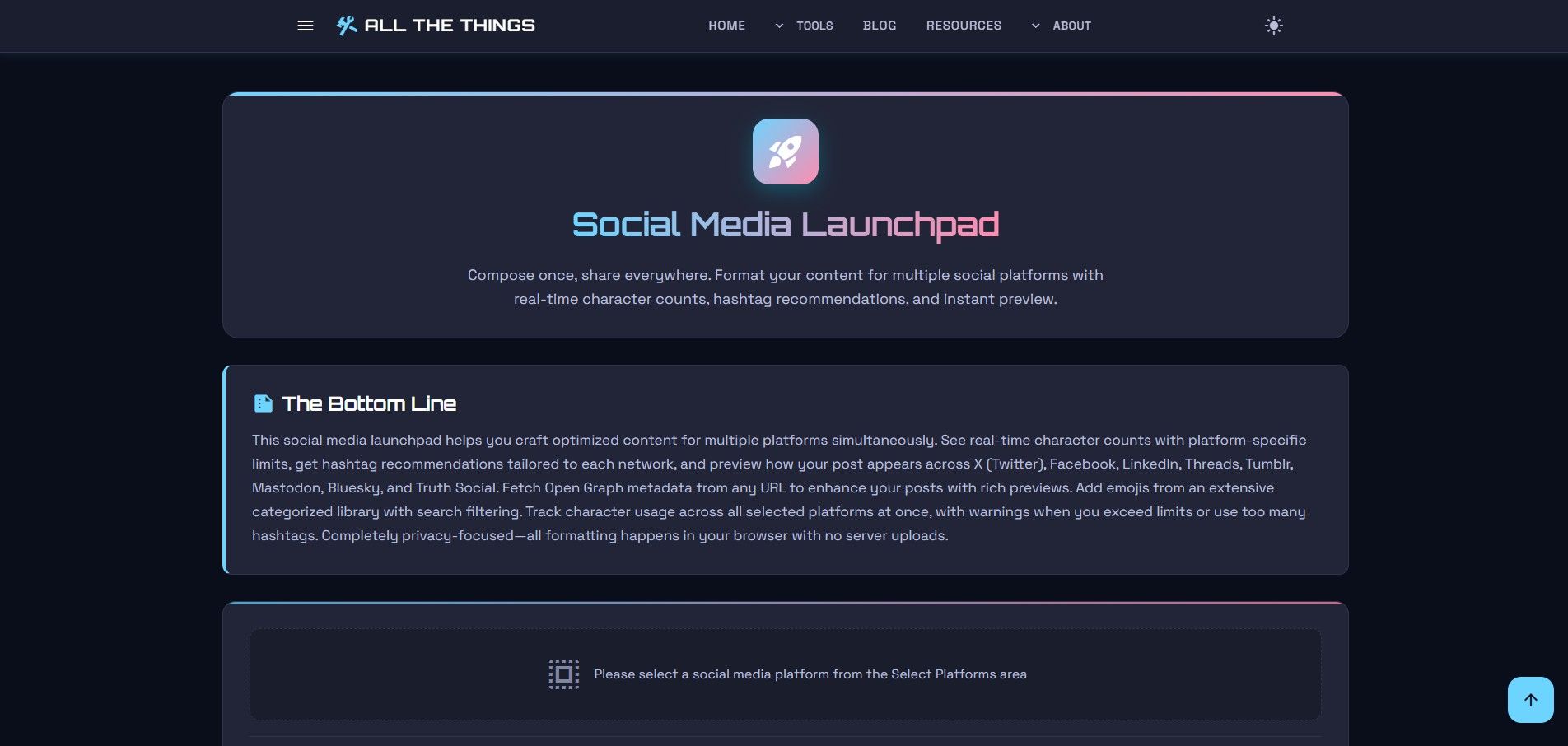
Here's how it works.
Step 1: Pick Your Platforms
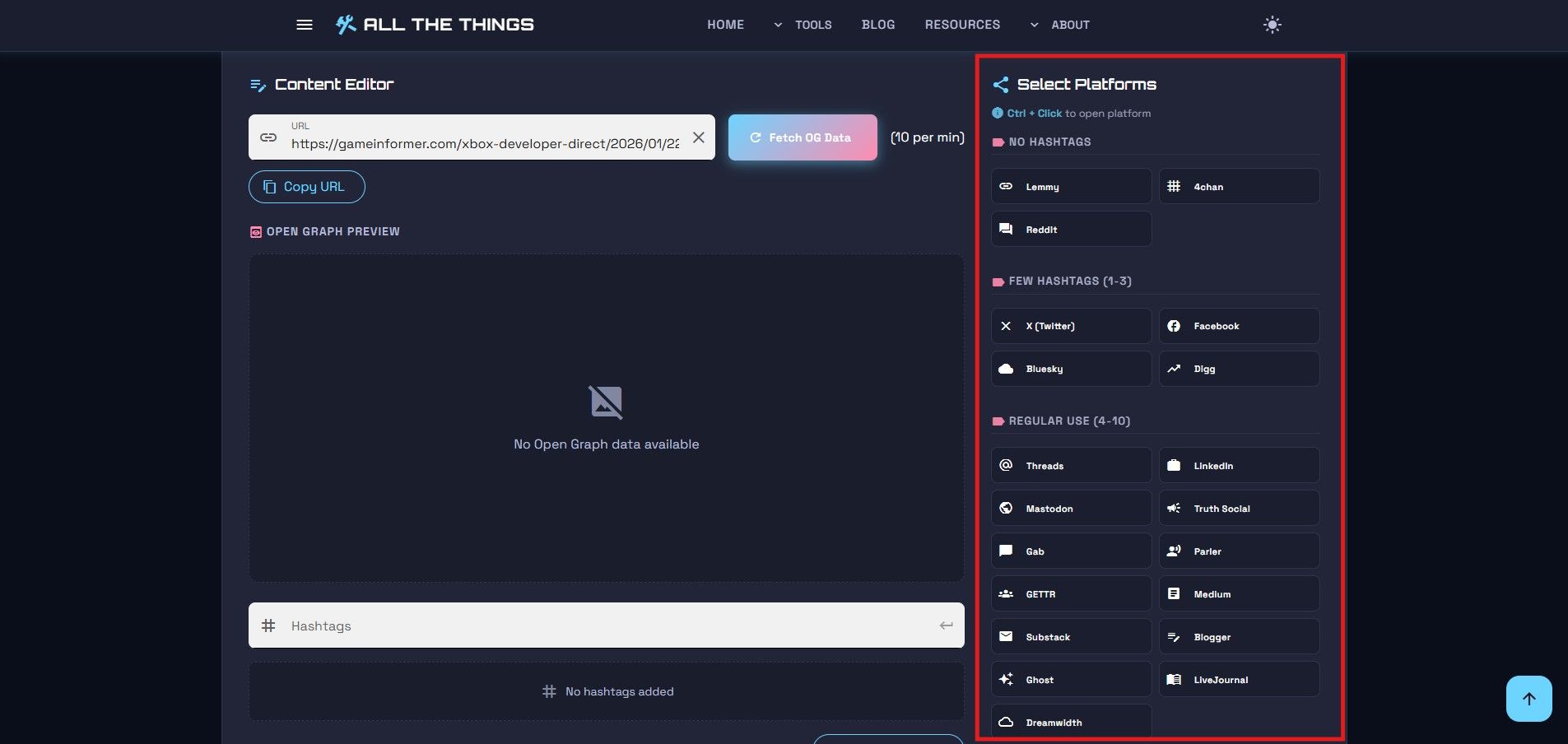
On the right side of the Social Media Launchpad, you'll see platform buttons organized by hashtag tolerance. Reddit and 4chan sit in the "No Hashtags" group - use tags there and you're asking for ridicule. Pinterest and Tumblr expect them. Instagram lives somewhere in the middle.
Information
Pro tip: Hold Ctrl (or Cmd on Mac) while clicking a platform button to open that social network in a new tab. Your cursor will change to a link pointer!
Click the platforms you're targeting. They light up. Character counters appear at the top, one for each network.
Want to jump straight to a platform to paste your post? Hold Ctrl (Cmd on Mac) and click. Opens in a new tab. Small detail, huge time saver.
Step 2: Add Your Link
Got a URL? Drop it in the field. Hit "Fetch OG Data" if you want the tool to pull in the page title, description, and preview image automatically.
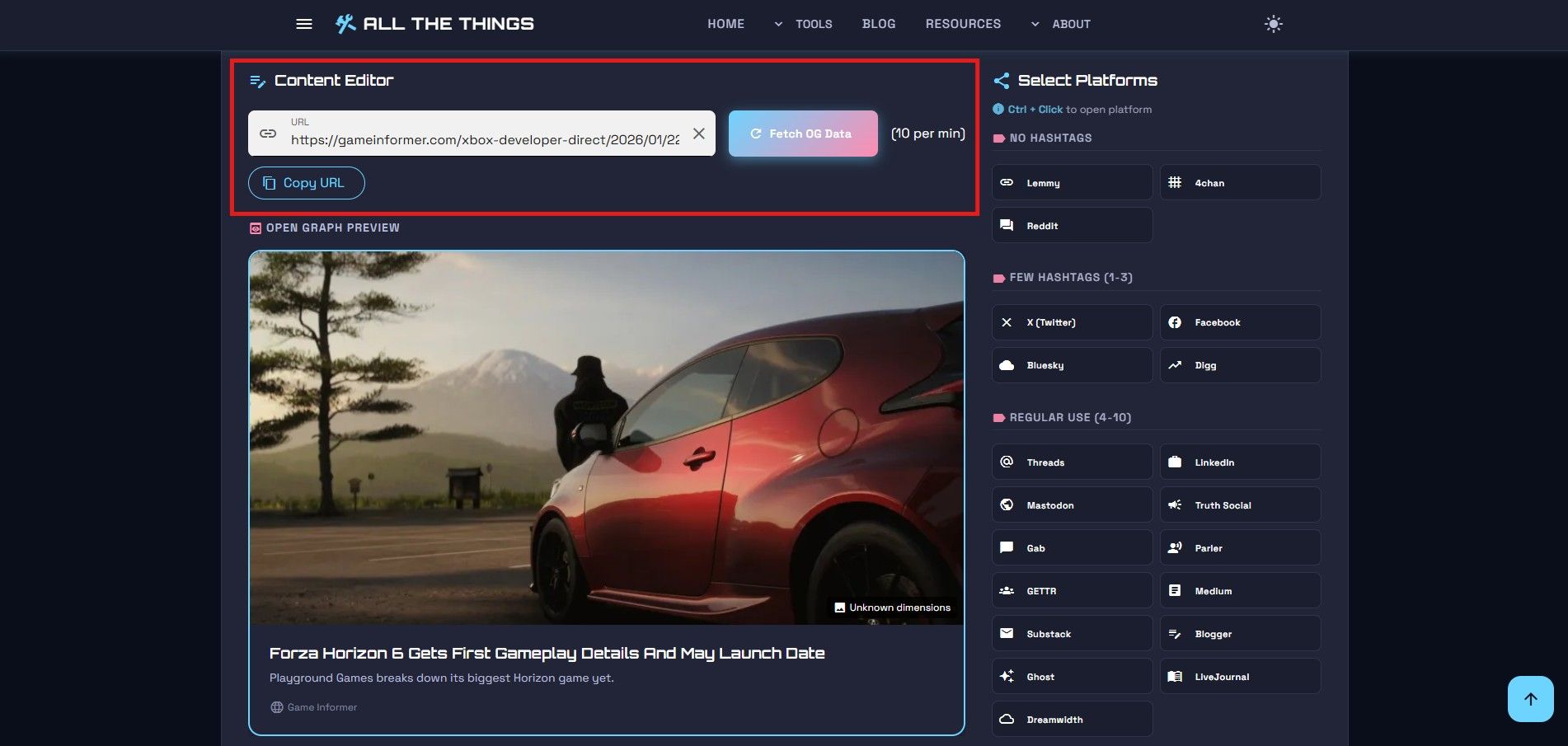
The fetch limit is 10 per minute. Hit that ceiling and you'll see a queue number. Annoying if you're in a rush, but it keeps the service from getting hammered into dust. I'll increase this limit if I have justification to do so.
Information
The OG Data fetch has a rate limit of 10 requests per minute to keep the service running smoothly for everyone. If you hit the limit, you'll see a queue position indicator.
Step 3: Write Your Post
Type your message in the description box. Watch the character bars at the top. LinkedIn gives you breathing room - 3,000 characters. X (formerly Twitter) cuts you off at 280. If you go over, the counter turns red.
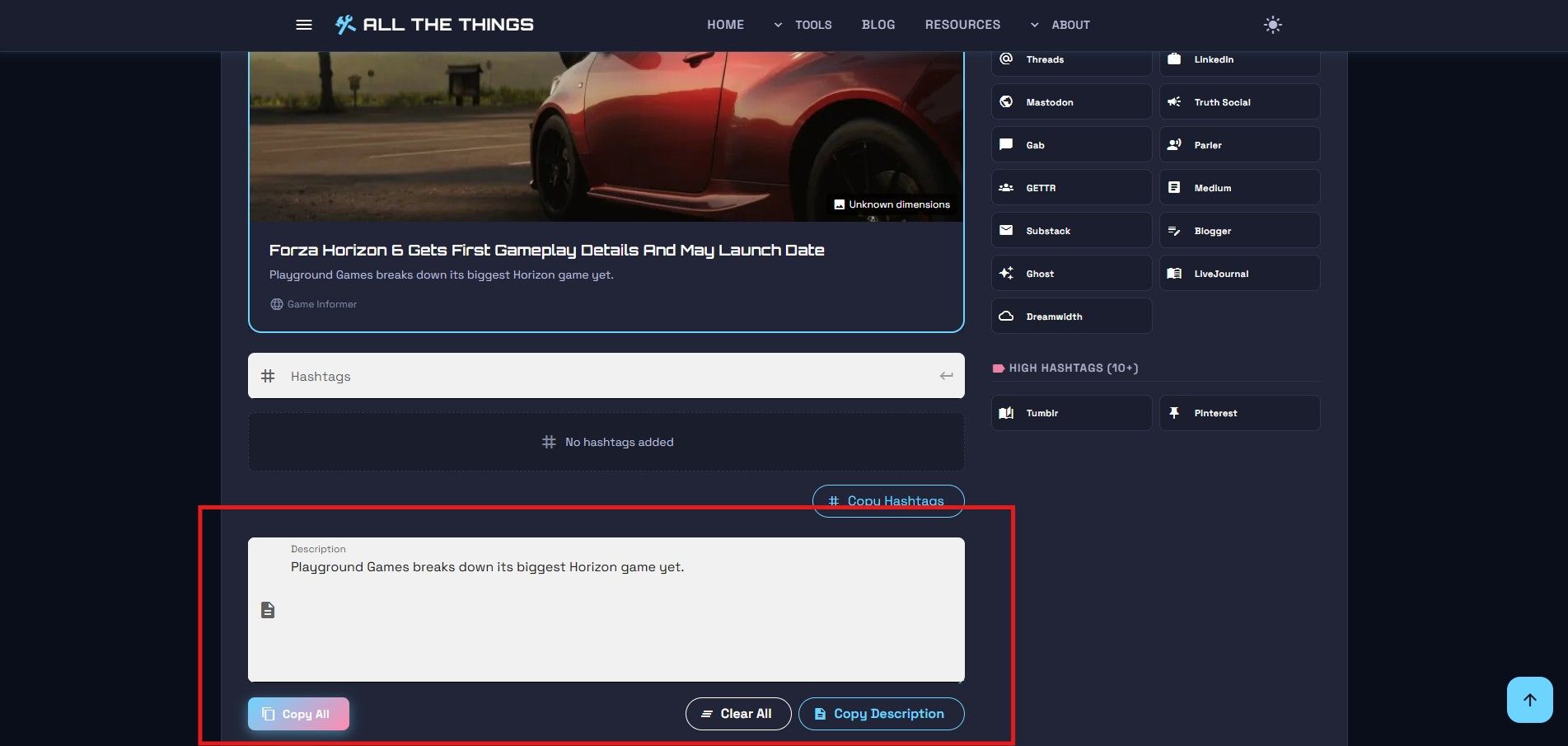
There's an emoji picker if you need it. Useful when you're blanking on what icon screams "professional excitement" for LinkedIn versus "chaotic energy" for Threads.
Step 4: Add Hashtags
Below the editor is the hashtag field. Type a hastag, hit enter. The counter tracks how many you've added - useful when you're trying to remember if three tags or ten is the sweet spot for your chosen platforms.
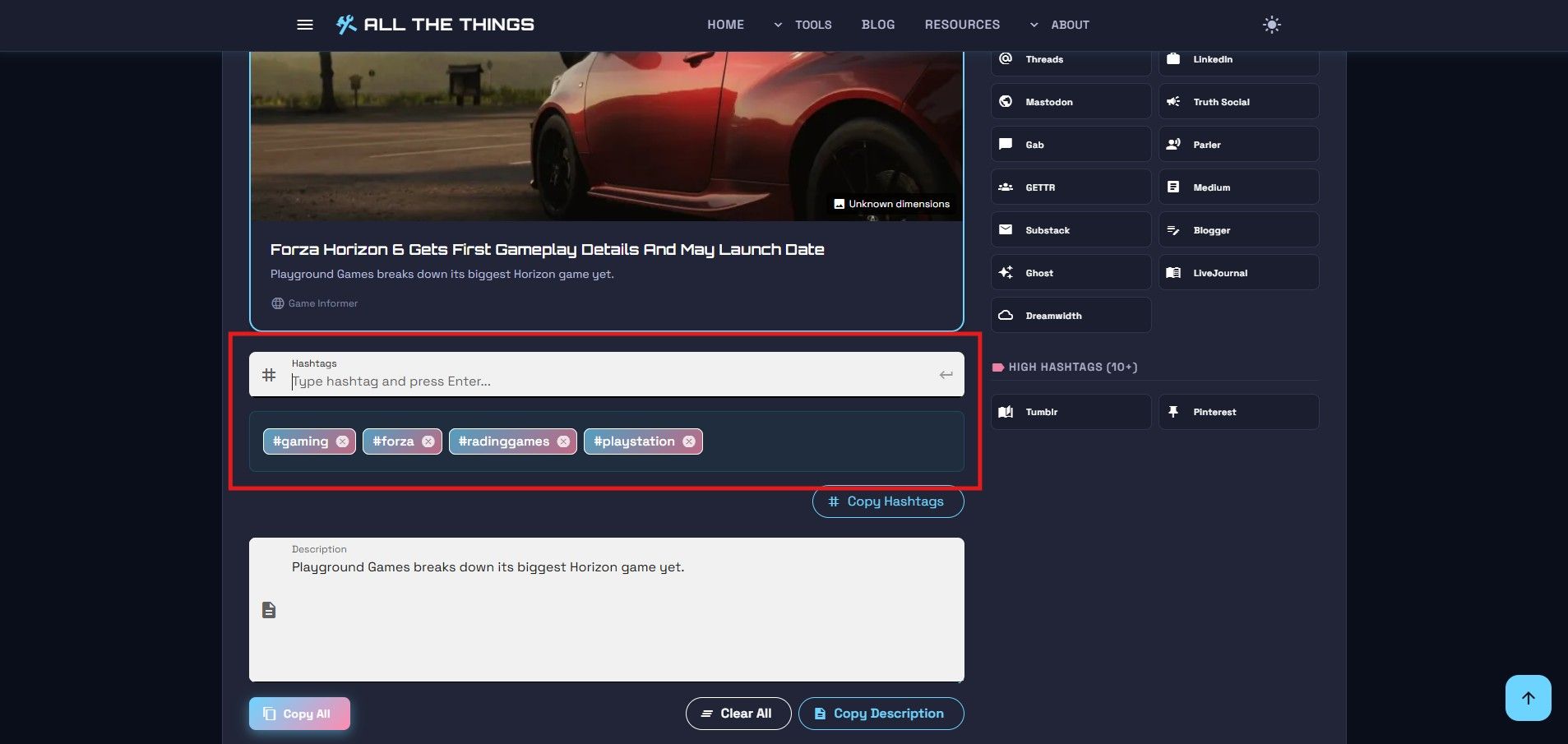
Step 5: Copy What You Need
Now for the payoff. You've got options:
- Copy All – Grabs your URL, description, and hashtags in one shot
- Copy URL – Just the link
- Copy Description – Just your post text
- Copy Hashtags – Just the tags
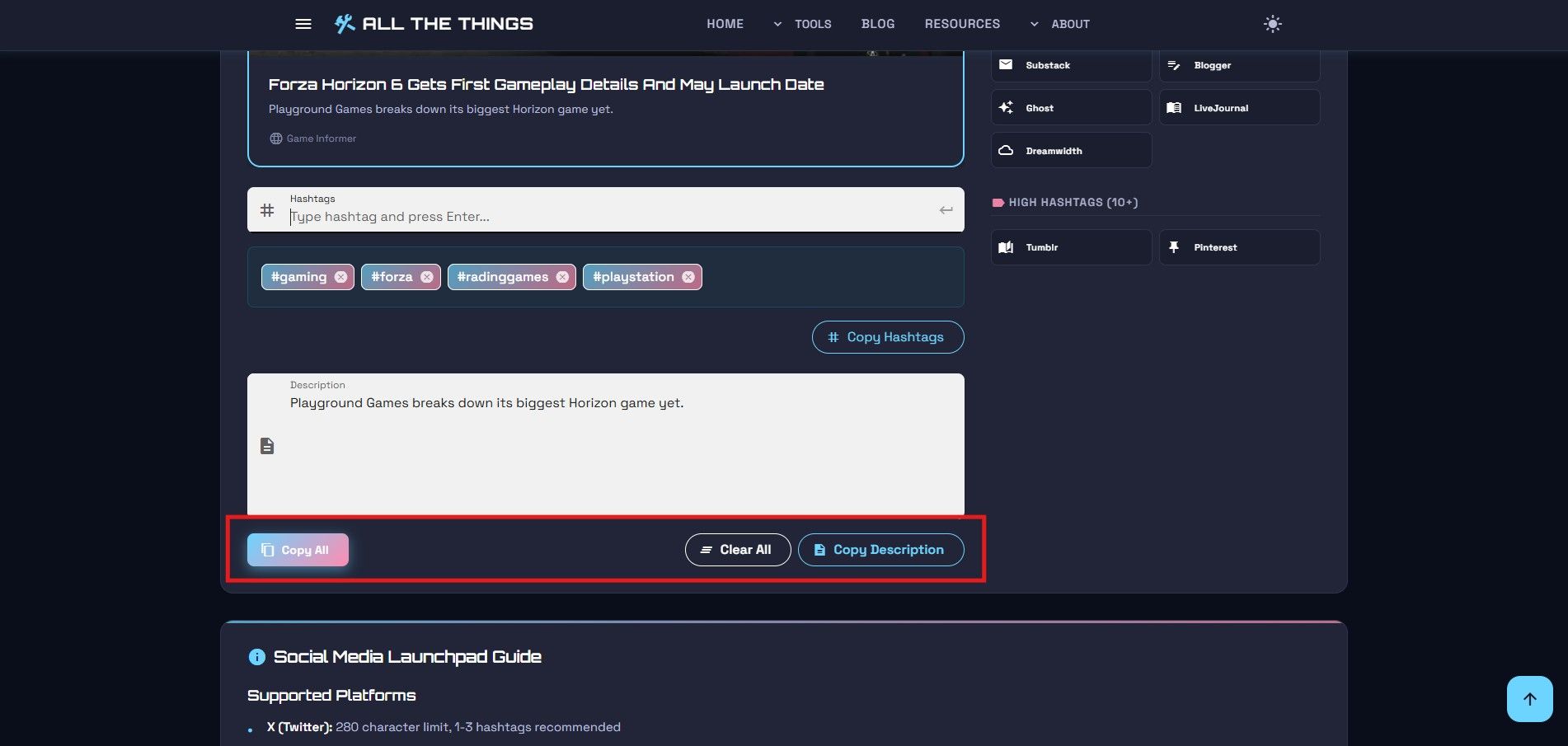
Why the separate buttons? Some platforms don't play nice when you paste everything at once. Reddit doesn't want your hashtag spam. LinkedIn might choke on the formatting. With individual copy options in the Social Media Launchpad, you can grab exactly what each platform needs - paste the URL and description on Facebook, hashtags only on Instagram, whatever works.
I usually hit Copy All, Ctrl+Click to open X or Threads, paste, done. Compare that to manually retyping everything with minor tweaks per platform.
Why Use This Over Manually Posting?
Speed, mostly. You compose once instead of five times. The character counters keep you honest - no more discovering you're 40 characters over after you've already pasted into Twitter. And the privacy angle is legit; everything stays on your machine unless you explicitly fetch OG data.
Plus that Ctrl+Click shortcut. Once you start using it, going back to right-clicking and selecting "Open in New Tab" feels barbaric.
Try It Yourself
If you're tired of the tab-juggling dance every time you need to post an update, give the Social Media Launchpad a shot. No account required. No tracking. Just write, copy, paste.
Visit Us On:
Stay in the Loop
Get notified when we add new tools and features
Thank You!
You're all set. We'll keep you updated with the latest tools and features.